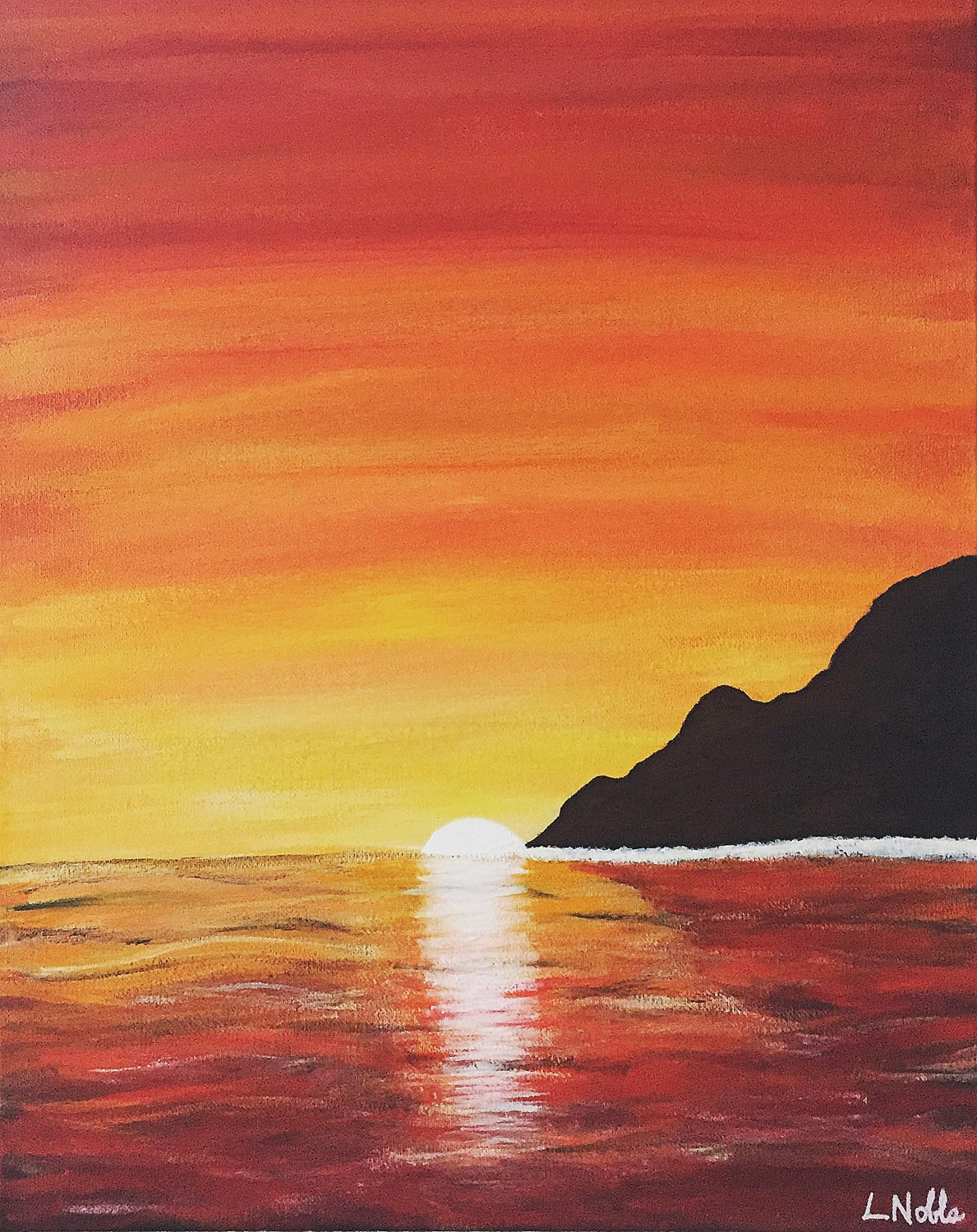
Color can look very different depending on whether it’s printed on paper or displayed on a screen. Reflected color, like the kind you see in printed materials, is analog, meaning it can represent an infinite number of colors. For instance, think of a photo of a bright blue sky printed in a magazine. The blue ink reflects light into your eyes, and by blending different colors together—like mixing cyan and yellow ink—you can create countless shades and hues. This ability to blend colors allows for a vast spectrum, making it possible to achieve endless variations in the printed image.
Now, let’s consider that same image on your phone or computer screen. Projected color is digital, where each pixel is assigned a color from a finite selection. Screens use a specific color model, usually based on red, green, and blue (RGB), where each pixel can emit light in varying intensities of these three colors. While this allows for bright and vibrant displays, the number of colors is limited to combinations of the RGB values. For example, a screen might be capable of displaying over 16 million colors, but that’s still a finite number compared to the infinite possibilities of blended inks.
When it comes to how colors are stored digitally, the method can vary depending on the type of image. Indexed color is often used to save space by limiting the number of colors in an image. Instead of storing the exact color values for each pixel, the image uses a palette with a limited number of colors (up to 256), and each pixel refers to a specific spot in that palette. For example, if an image has an index of 1, each pixel only has 1 bit of information, meaning it can only display two colors—typically black and white.
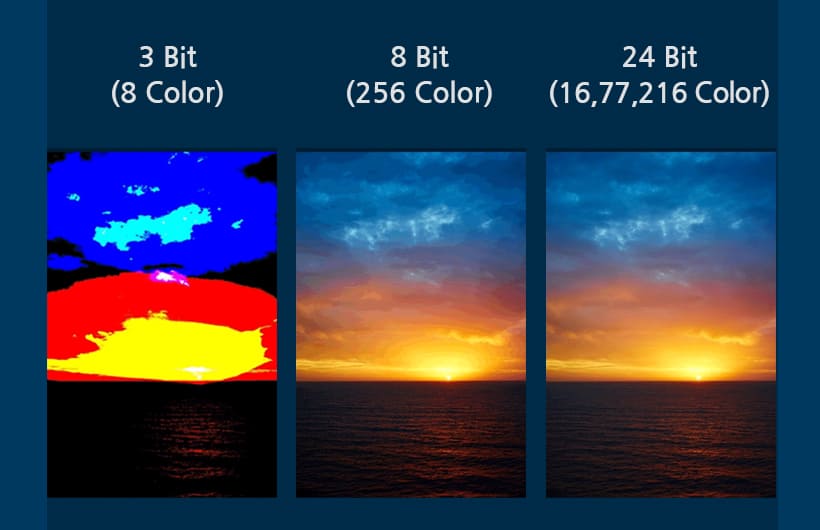
A simple logo, like the Facebook logo with its blue and white design, works well with indexed color. Each pixel in the logo would refer to the specific blue or white shades stored in the palette, keeping the file size small. However, this approach isn’t great for detailed images. If you tried to represent something complex, like a sunset, using indexed color, the limited palette wouldn’t be able to capture all the subtle shades, and the image would look blocky or show harsh transitions where one color abruptly changes to another.
That’s why more detailed images use 24-bit color. In 24-bit color, each pixel has 8 bits for red, green, and blue, allowing it to display over 16 million colors. This is perfect for things like high-quality photographs, where you need smooth color transitions and rich detail. For instance, a photo of a sunset with its many shades of pink, orange, and purple would look smooth and natural in 24-bit color, with no abrupt color changes. It’s the difference between seeing a sunset with all its natural beauty and seeing a simplified version with just a handful of colors that don’t quite blend the same way.